Magazine CTRL+ME
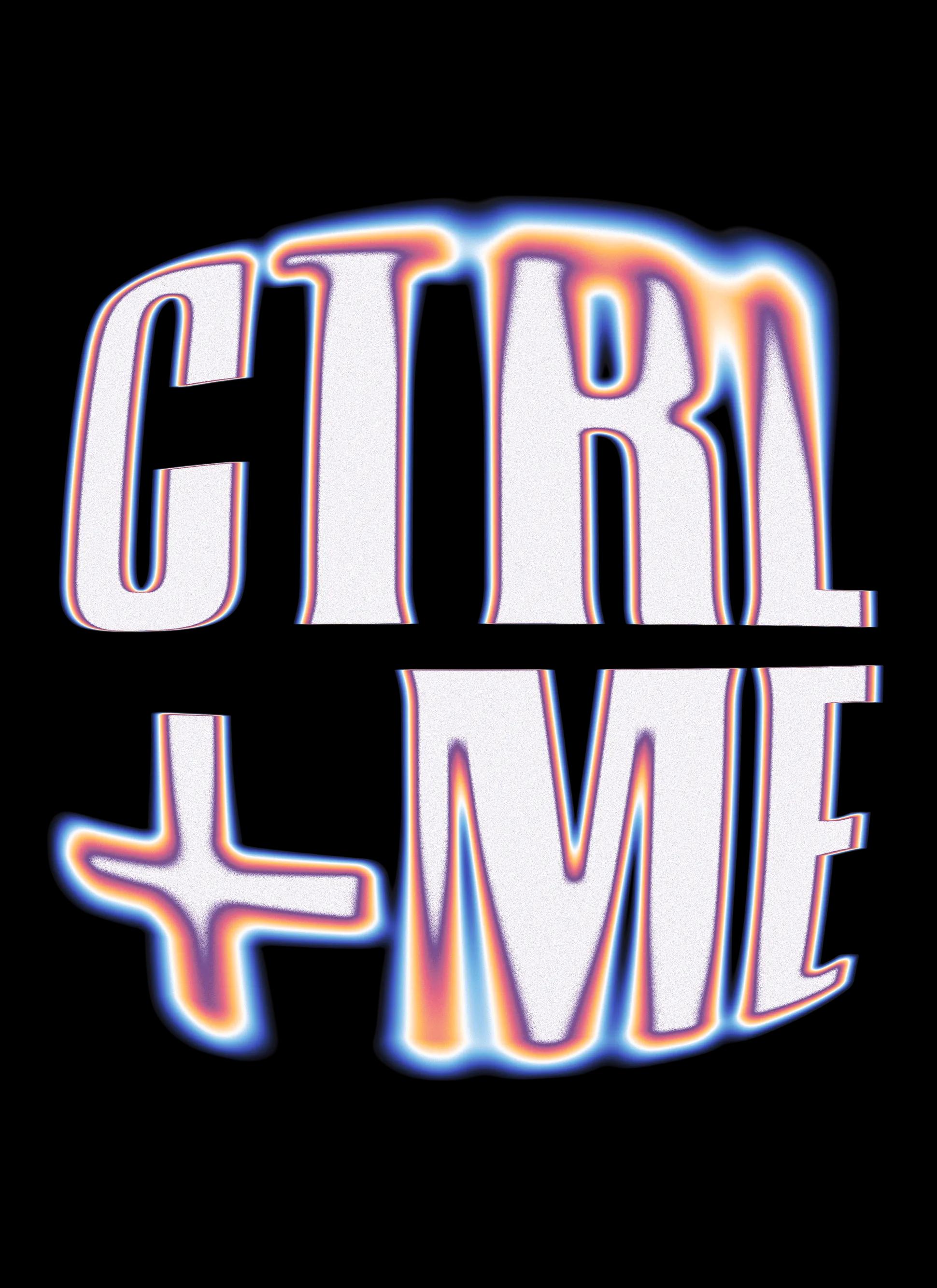
Translating passions, interests and my style as a designer into a self-portrait in print, a 26-page Magazine.
- Tools:
- Adobe SuiteFigma
- Type:
- Personalproject
- Time frame:
- 4 weeks
- Client:
- Myself
Design Challenge
Most design projects start with a client and a brief. This one started with a blank page and myself as the subject. I had to decide who I am as a person, a student and a designer, and translate that into an editorial object that a stranger could pick up and understand.
It also had to be done with a tool I had never used.
I had no experience with Adobe InDesign, and editorial design has its own rules: grids, hierarchy, pacing across spreads, and typography that guides the reader. I needed a layout that felt personal and expressive, yet still had enough structure to read as one coherent publication.
The goal
Create a personal editorial project: a magazine that expresses my personality, passions and design identity through intentional layout, typography and custom graphics, while learning InDesign from scratch.


My Approach
I worked on this project alone, over five weeks.
With no client or teacher setting the pace, I had to organise the work myself, so I split the project into five stages: inspiration & exploration, learning the software, defining the concept, and designing.
I started with research and learning: how magazines are built, which grids exist, and how to use InDesign, but, the design itself was explorative. I tried layouts and styles, kept what worked and changed what didn’t, until each spread felt right.
I designed the main content first and leaving the cover, introduction, and conclusion for last, so that they could frame everything else.
Planning my time was the hardest part. I tend to underestimate how long design takes, so breaking the project into weekly stages and checking in on myself each week helped me keep a steady pace, and it gave me room to go further than planned: I aimed for 10-12 pages and delivered 26.
Inspiration and Exploration
Research & Learning Process
Research Questions
- What are magazines, and what role does design play in shaping how information is perceived?
- What grid systems and layout structures are used in editorial design, and which would best serve a personal, expressive magazine?
- What types of magazines exist, and how does each genre inform its visual direction?
Research & Learning Methods
- Desk research: storytelling, visual narrative, identity, editorial and journalistic design.
- Grid systems study: researched and compared the 5 main types to understand which structures support different editorial intentions.
- Software learning: watched video tutorials, followed step-by-step guides, and completed a practice project before starting the magazine.
Research
Insights
Good magazines balance consistency and variationA steady grid makes a magazine recognisable, while variation from spread to spread keeps the reading dynamic and engaging.
A personal magazine needs a flexible structure, not a fixed oneA rigid grid or style didn’t suit something this expressive, so a more hierarchical, flexible structure fit the concept better.
InDesign works best for layout, not for making graphics.Preparing elements first in Illustrator and Photoshop, then composing them in InDesign, became the workflow for the whole magazine.
Design Direction
A magazine holds different voices and moods but stays recognisably one publication, which makes it a good mirror for a person. So I set out to translate my interests, values and taste into something personal, expressive and a little playful, with a structure that guides the reader but leaves room to break the rules.
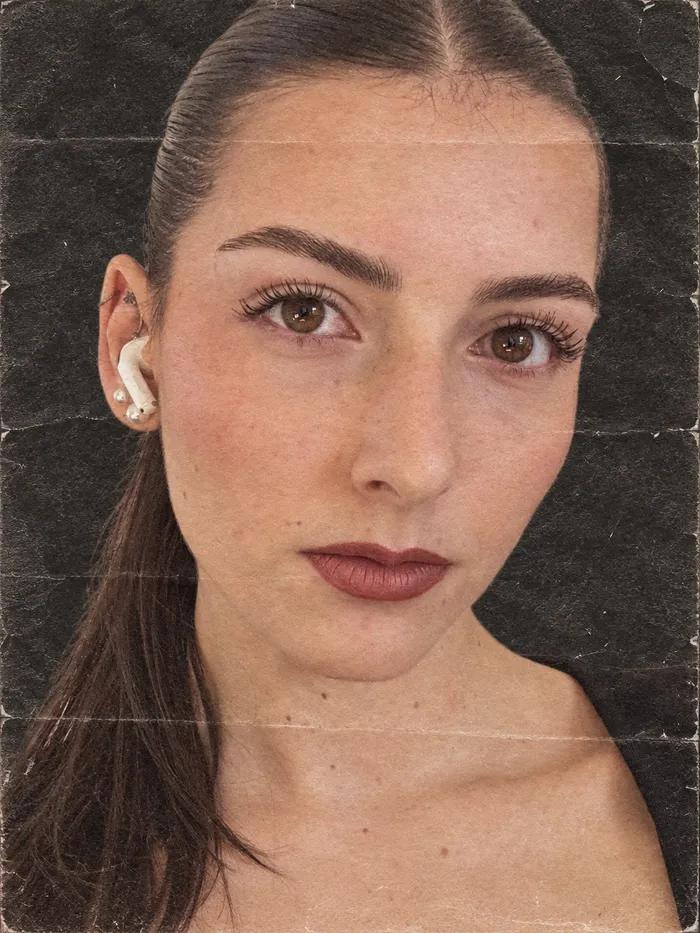

What if I were a
MAGAZINE?
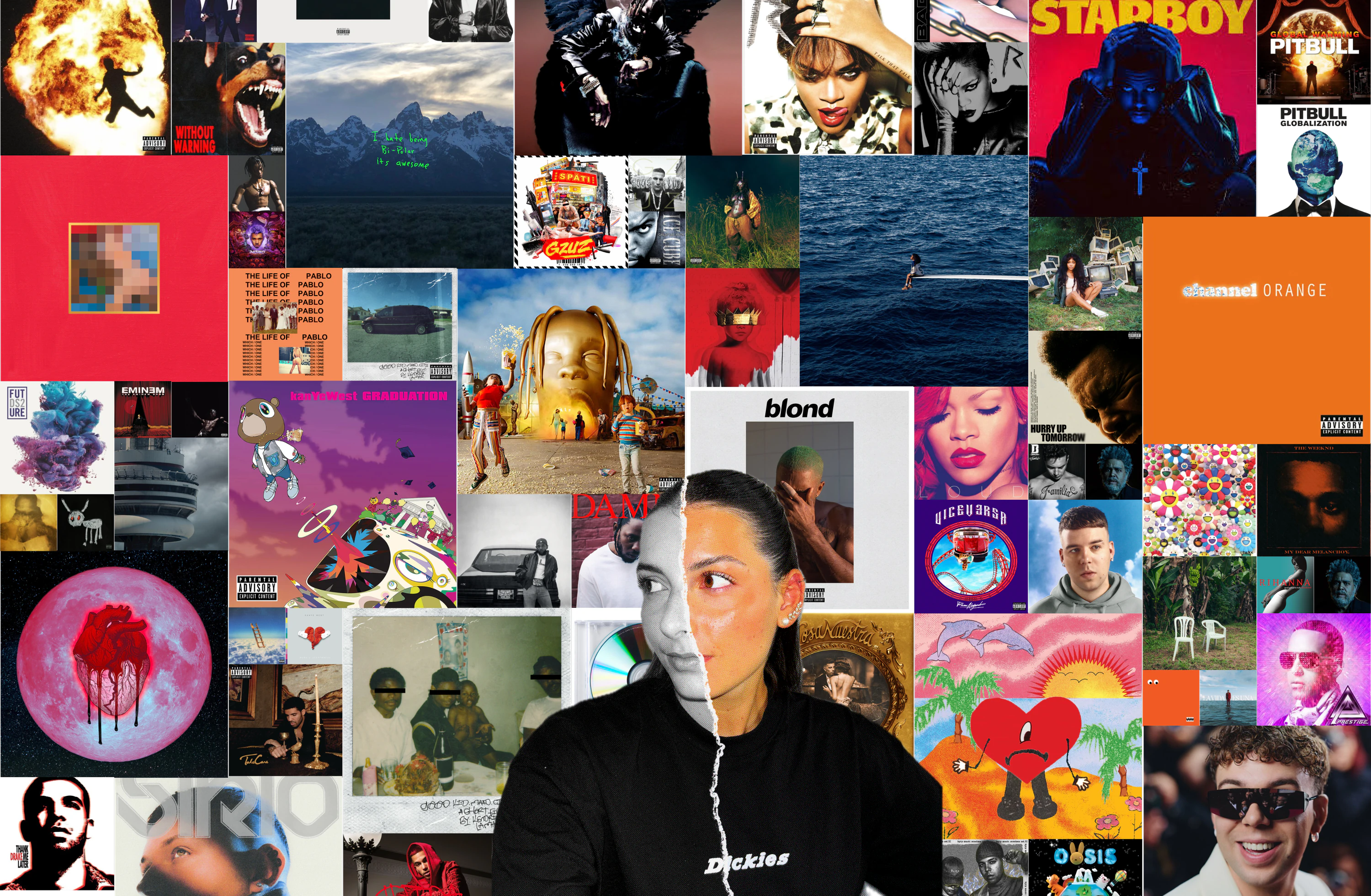
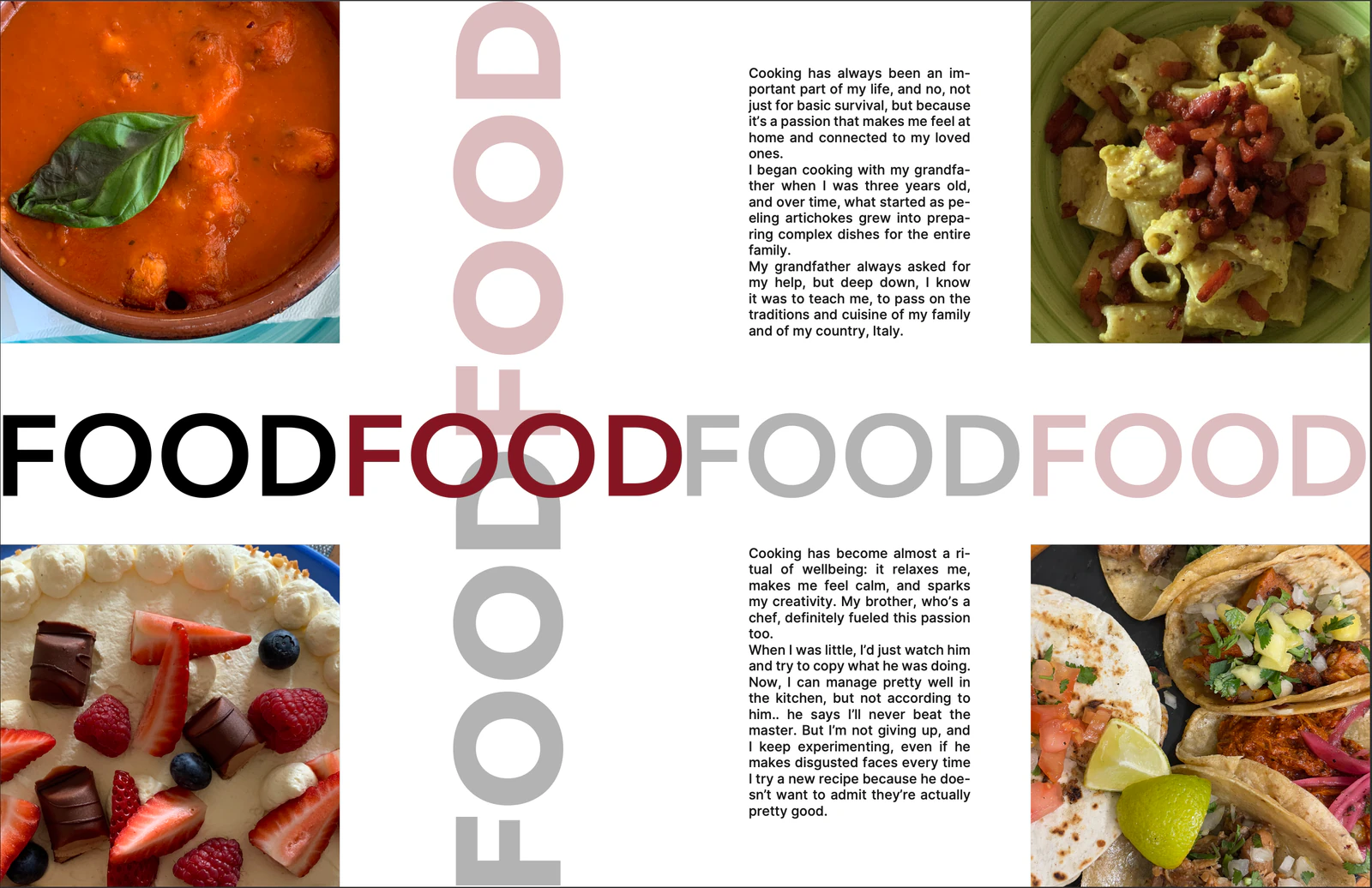
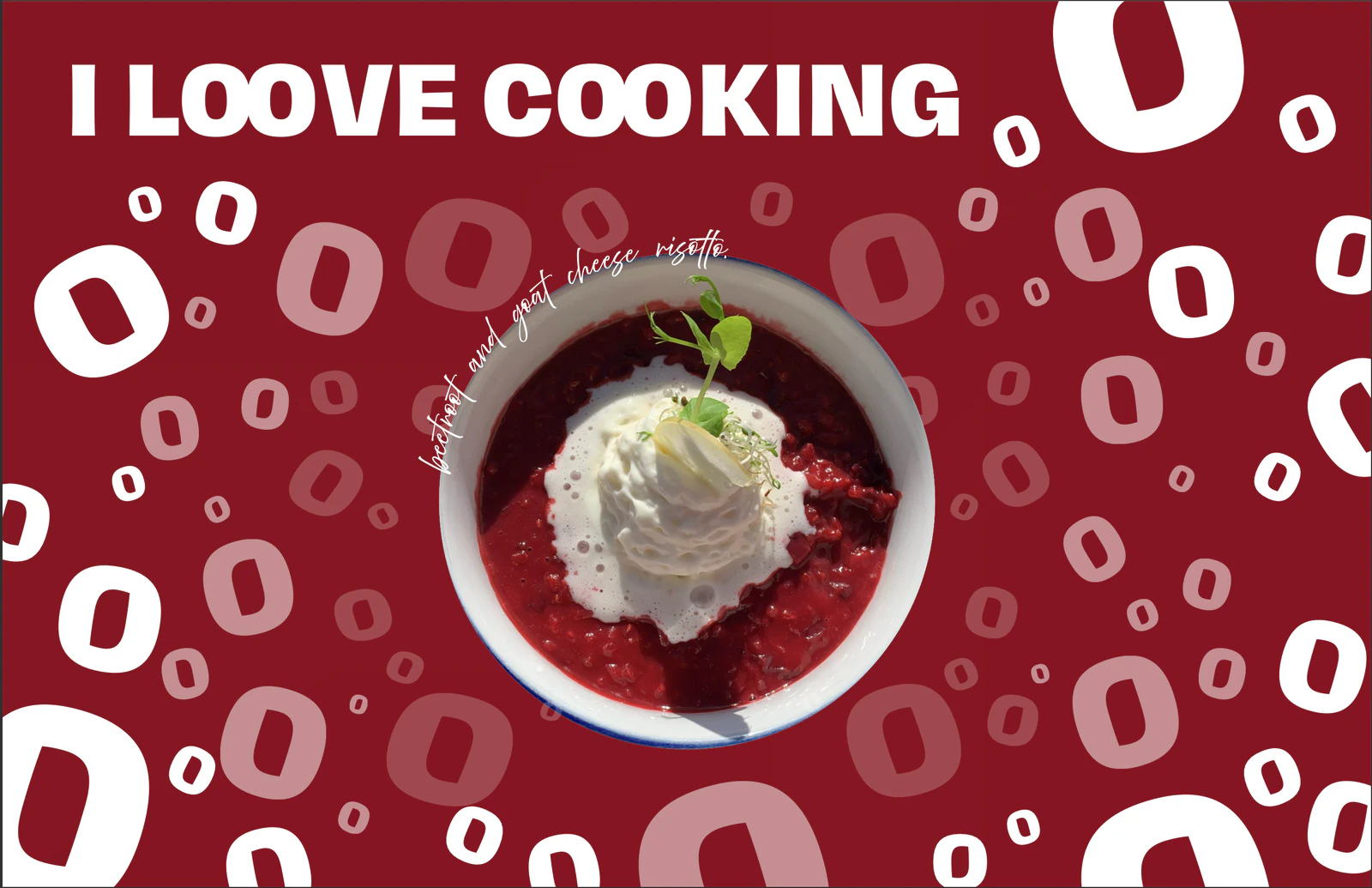
The magazine became a portfolio about my passions:
travelling, cooking, music and graphic design.
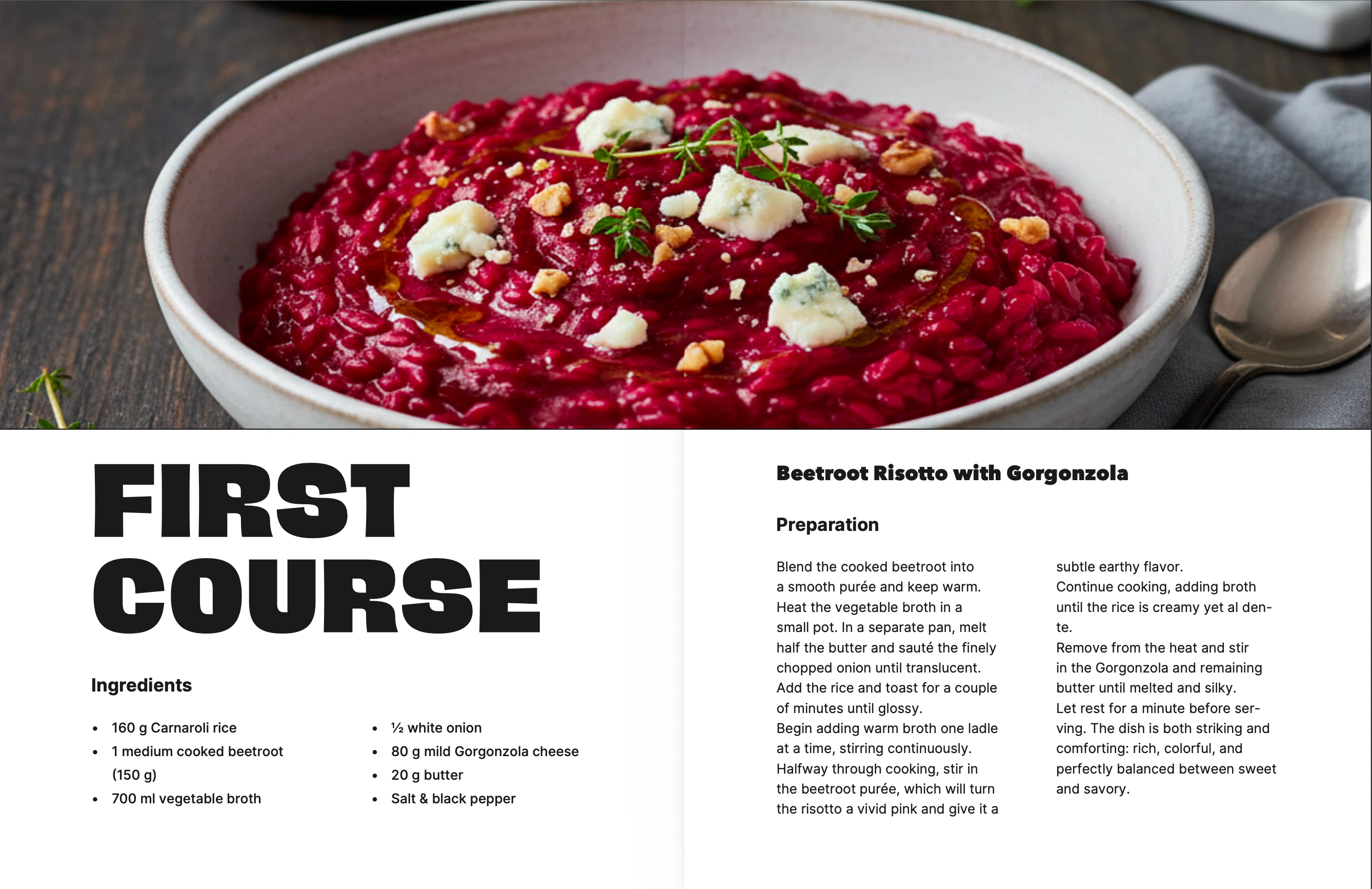
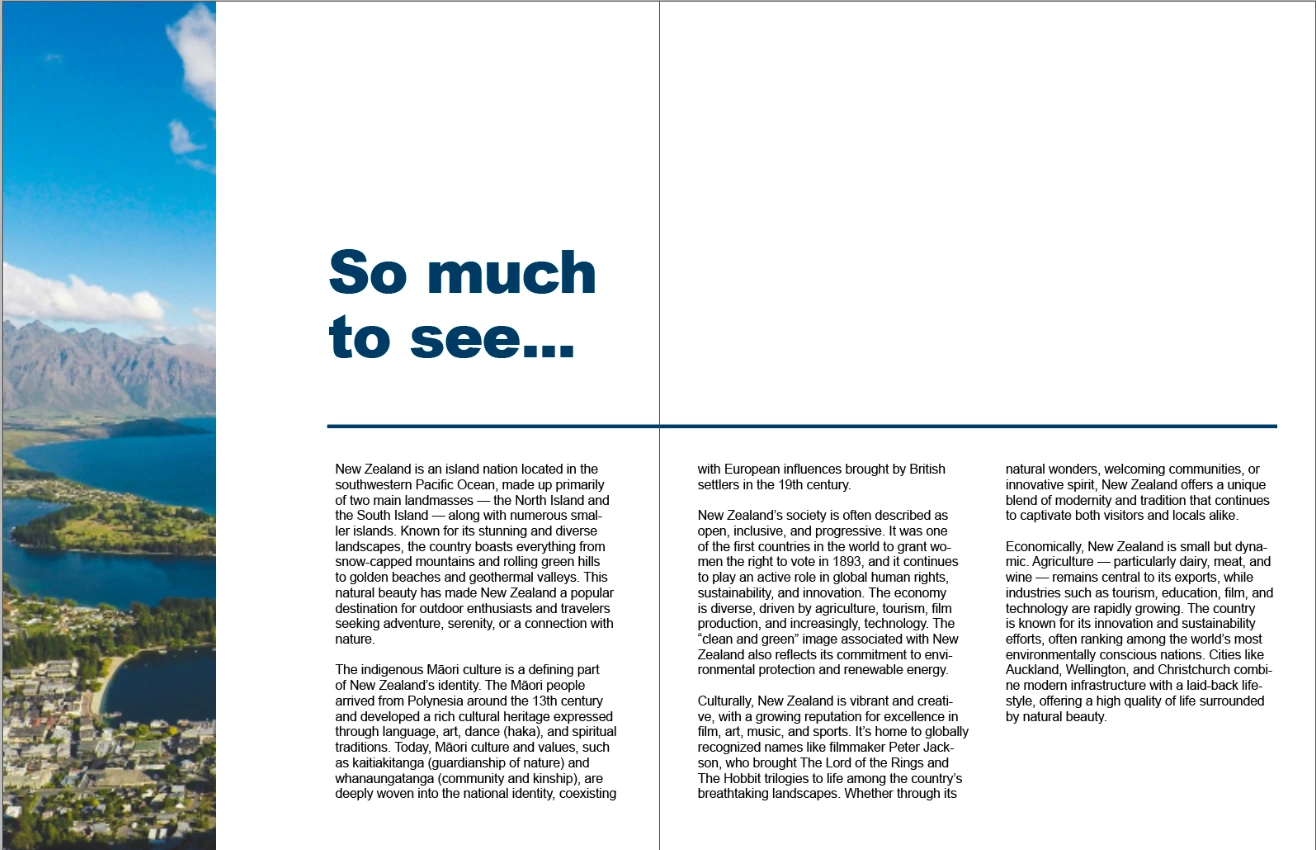
The title expresses the content: CTRL+ME puts me at the centre, by hand because I made everything myself, and by heart because it’s about what I love most.
The Graphics
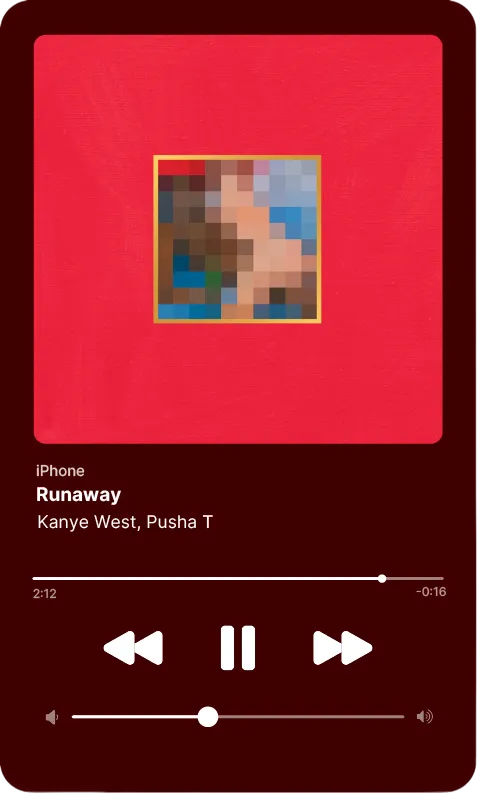
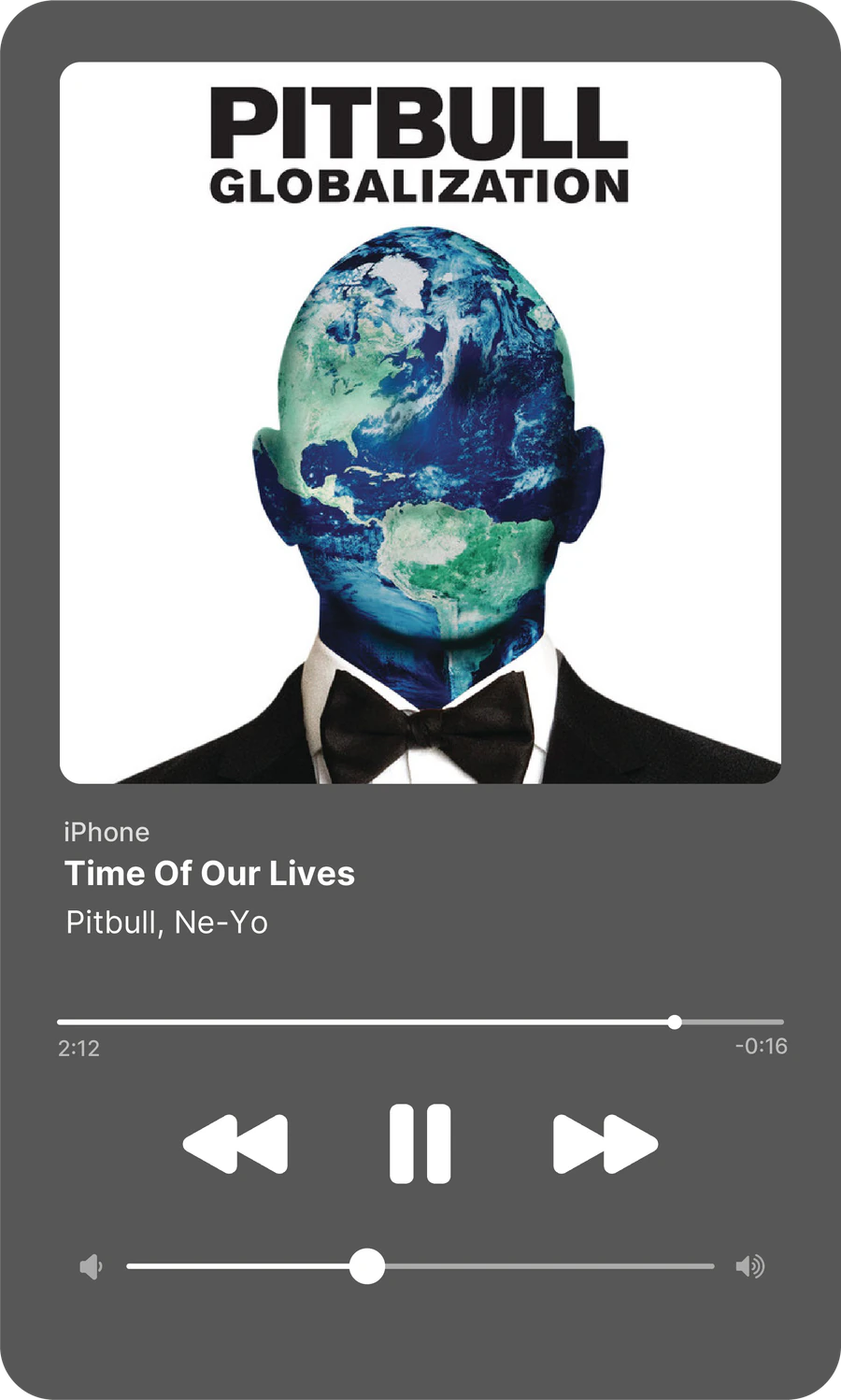
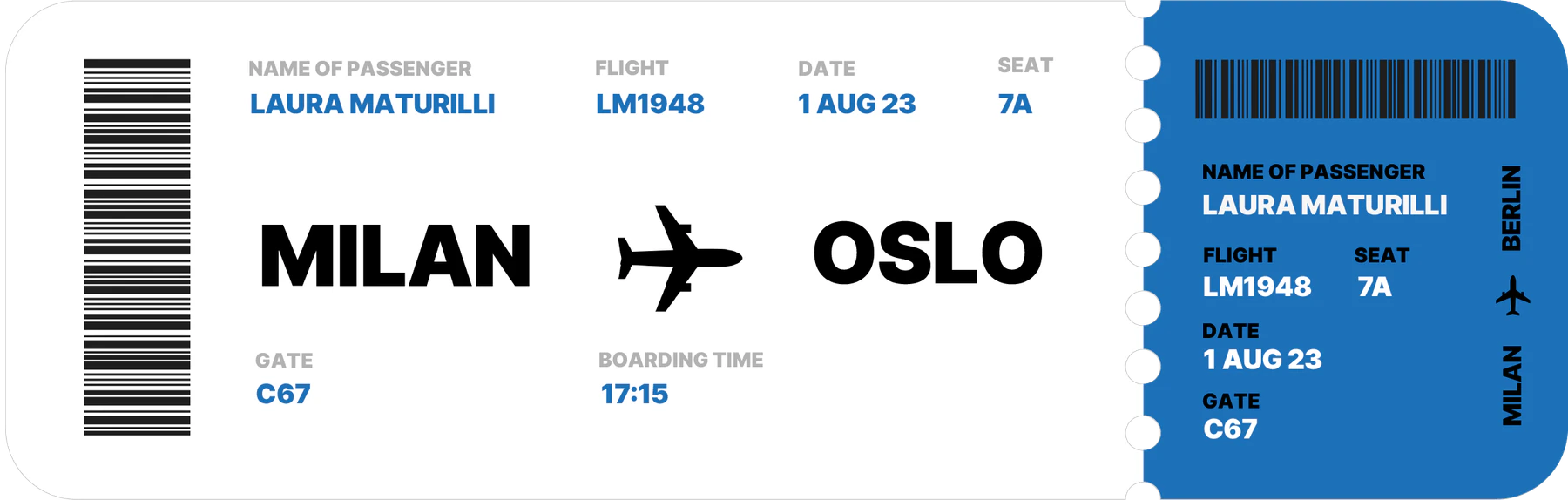
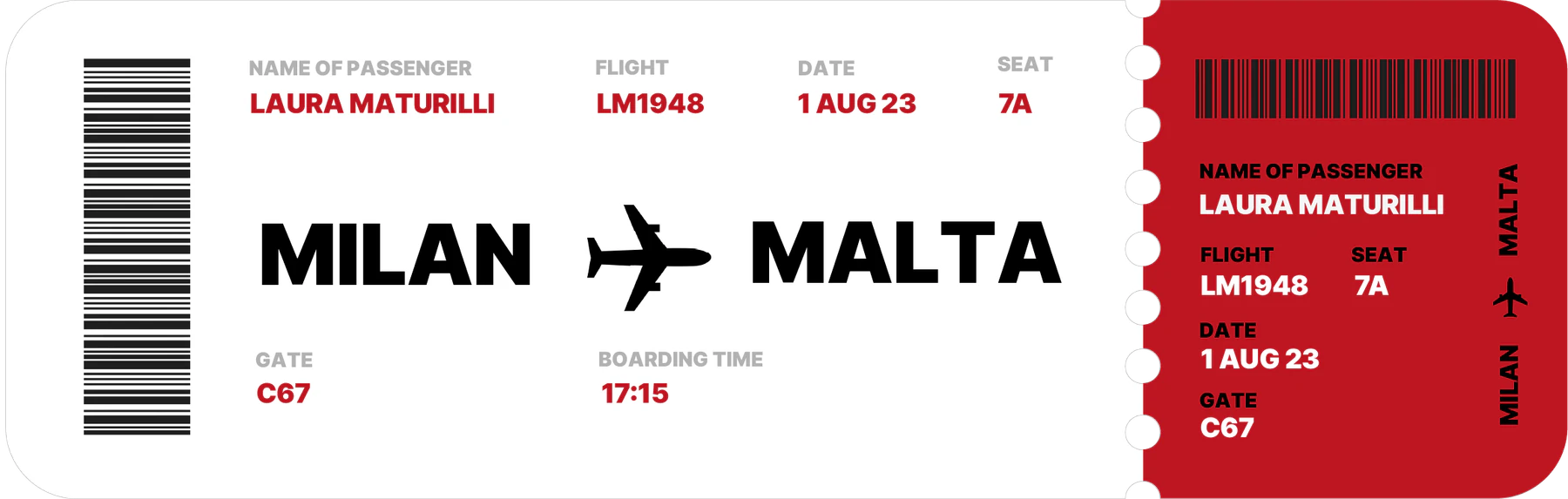
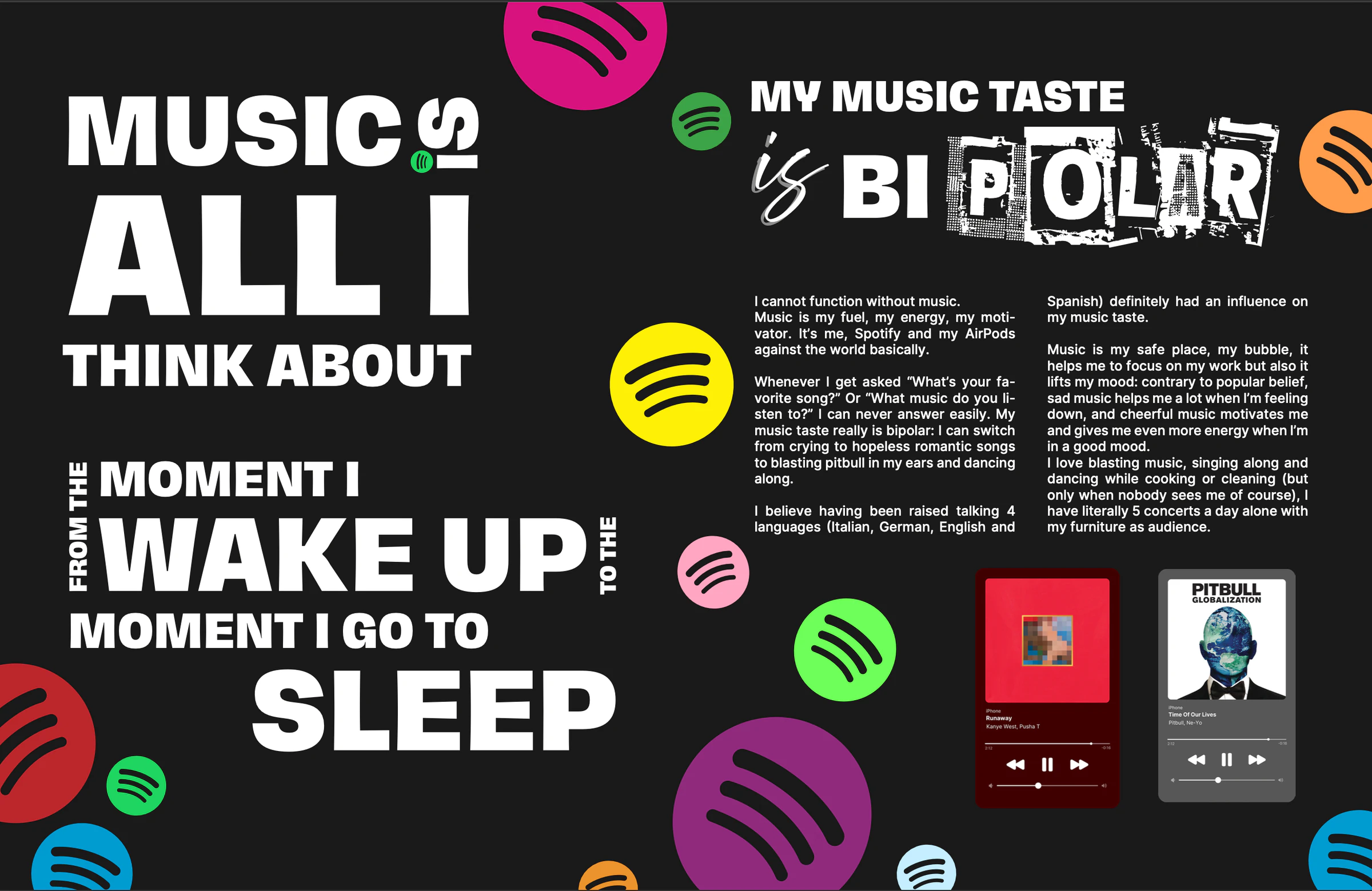
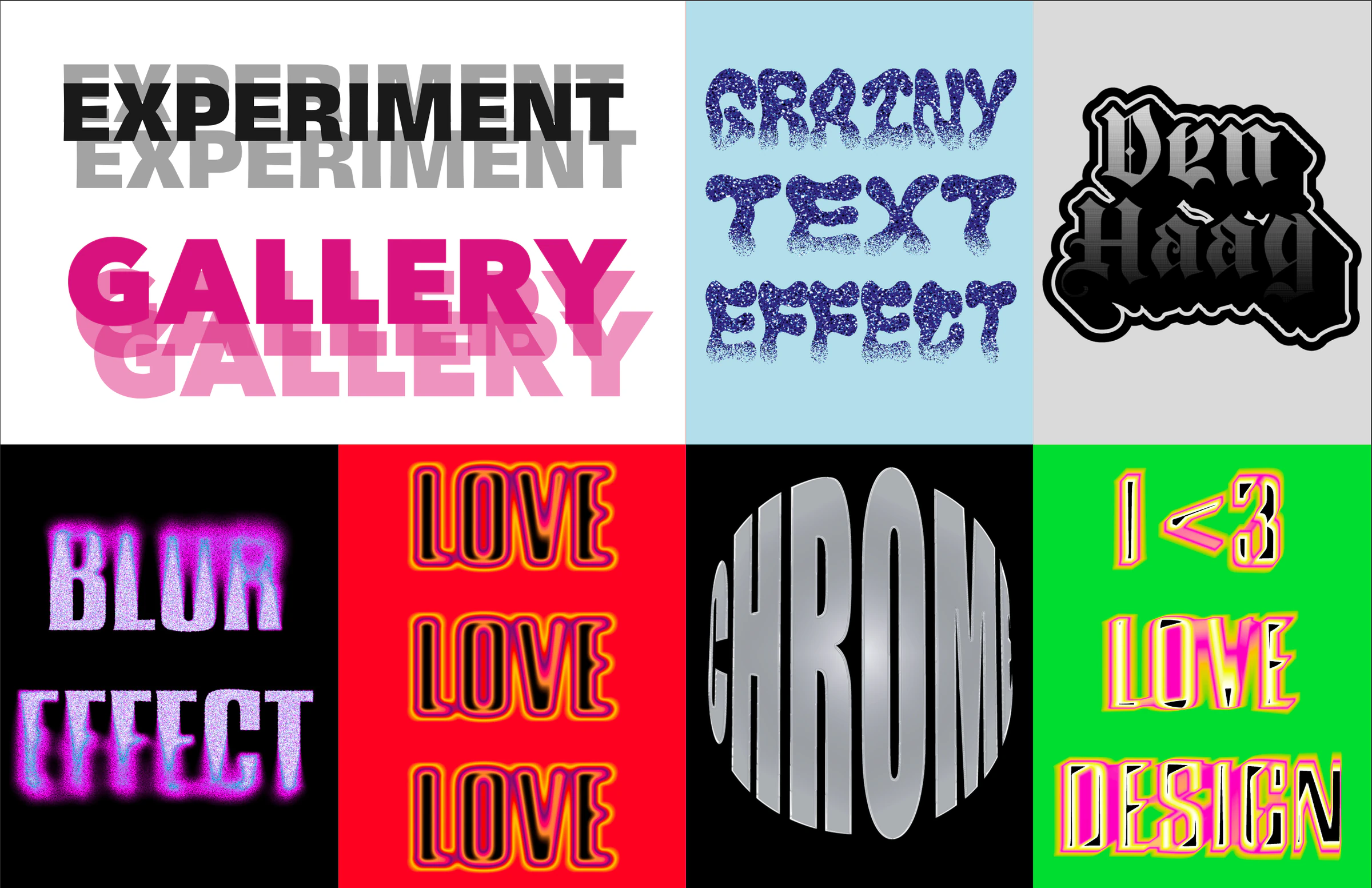
After collecting images that I wanted to include, and writing down the text for my magazine, I finally started designing some graphic elements, which I first developed in Adobe Illustrator and later incorporated as PNGs or SVGs to make the editing and layout process in InDesign easier.
Some examples of elements that I designed are flight tickets and Spotify-styled song players.
The Magazine
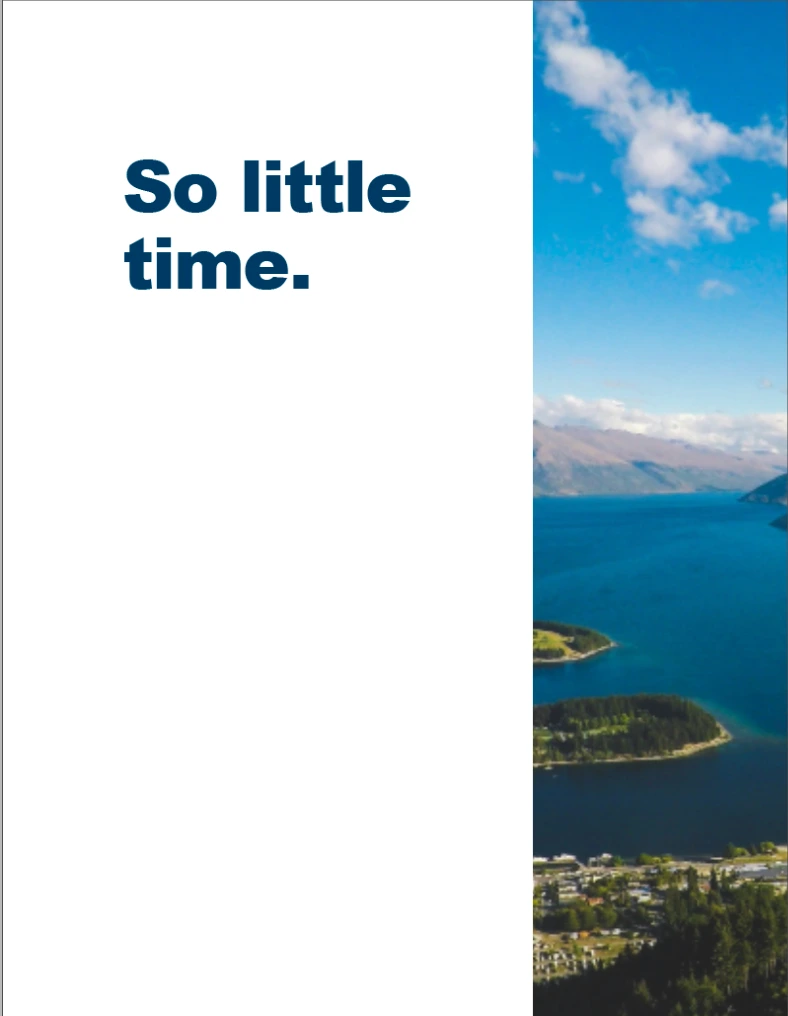
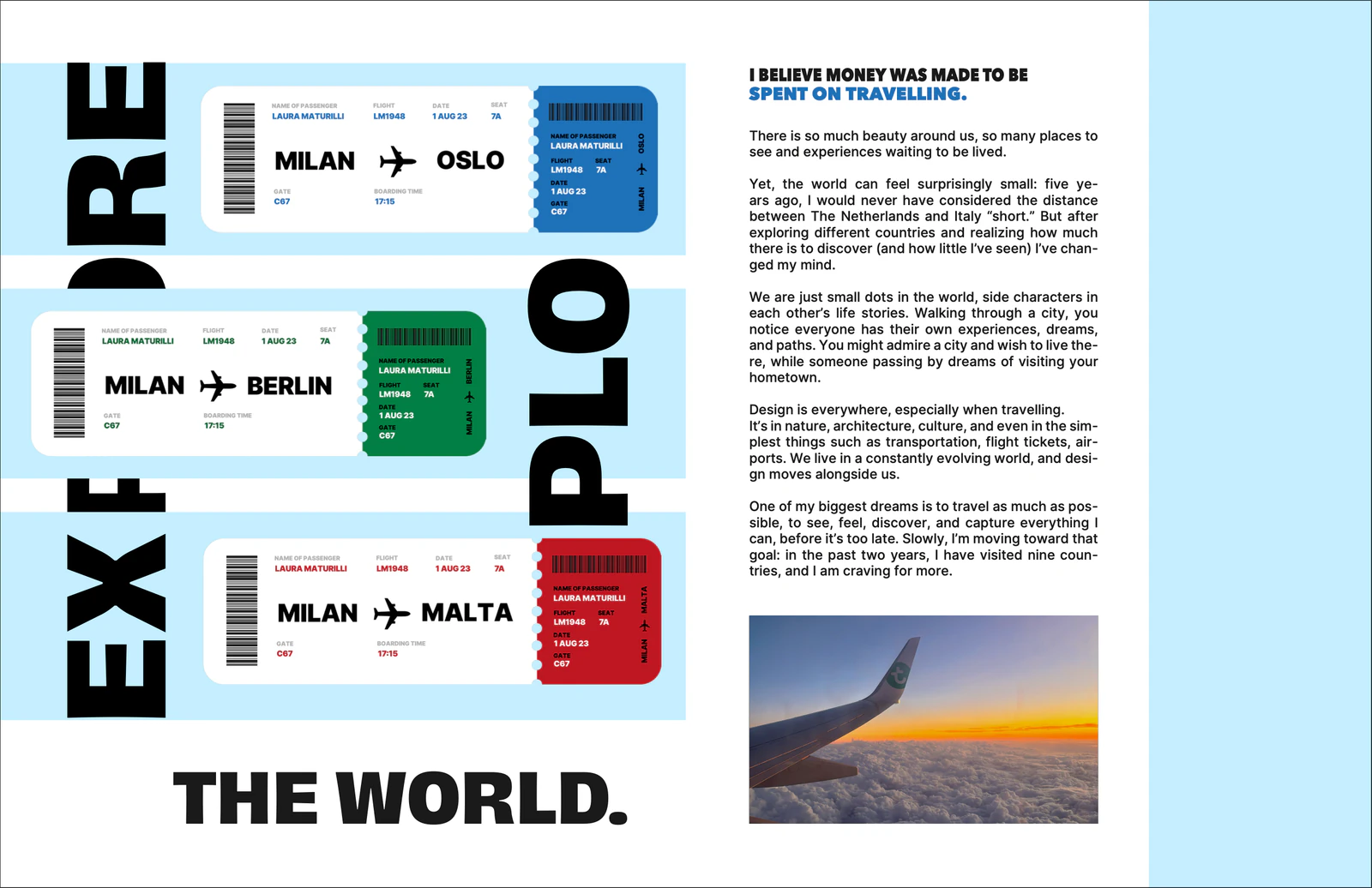
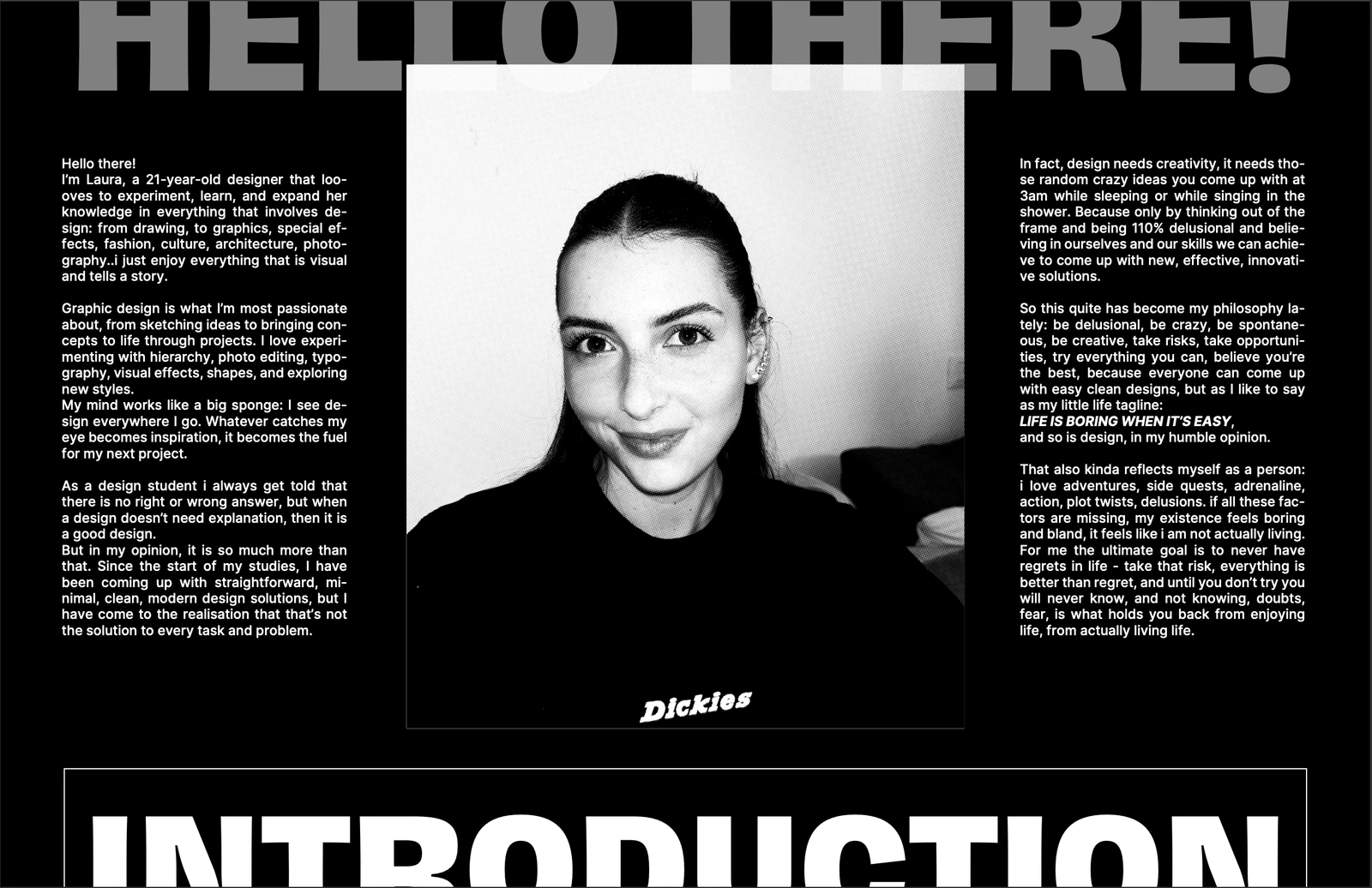
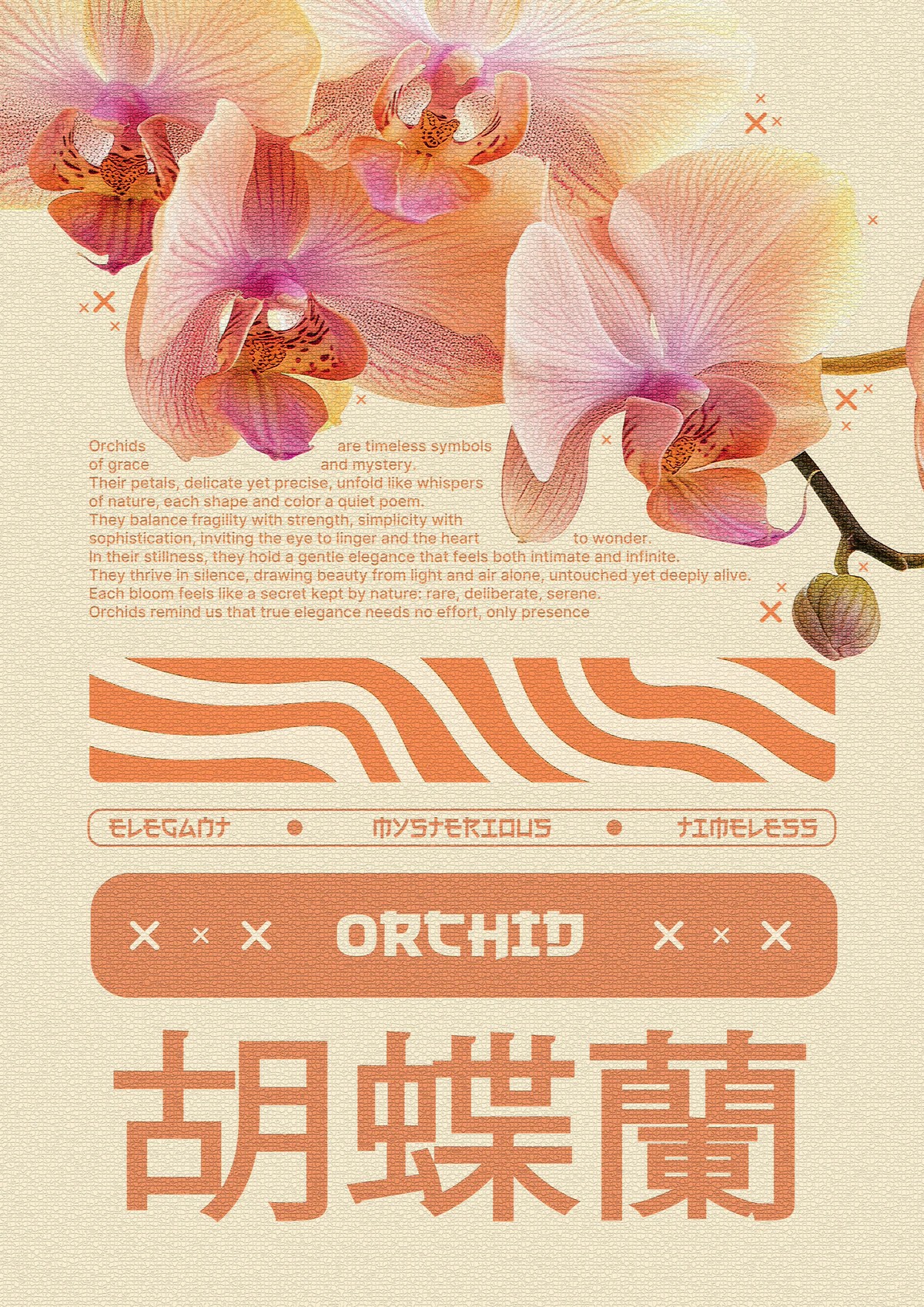
In InDesign, I laid out the core pages first and tried different styles and structures until the balance felt right.
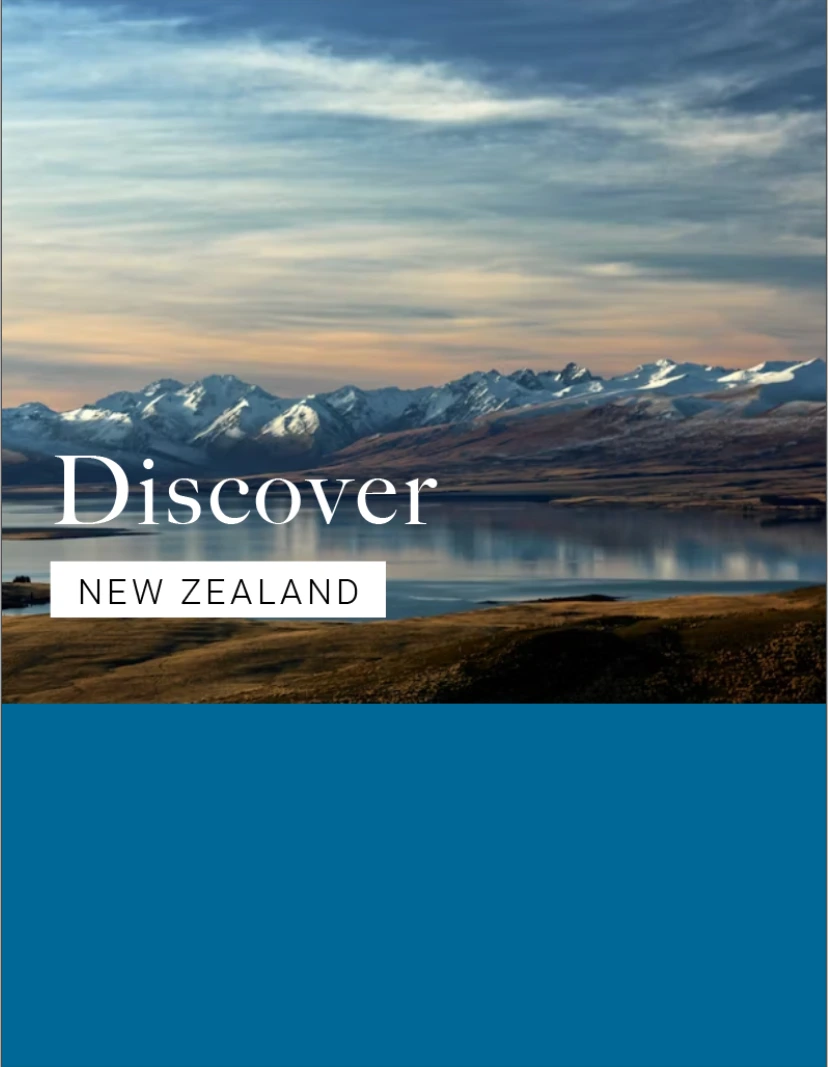
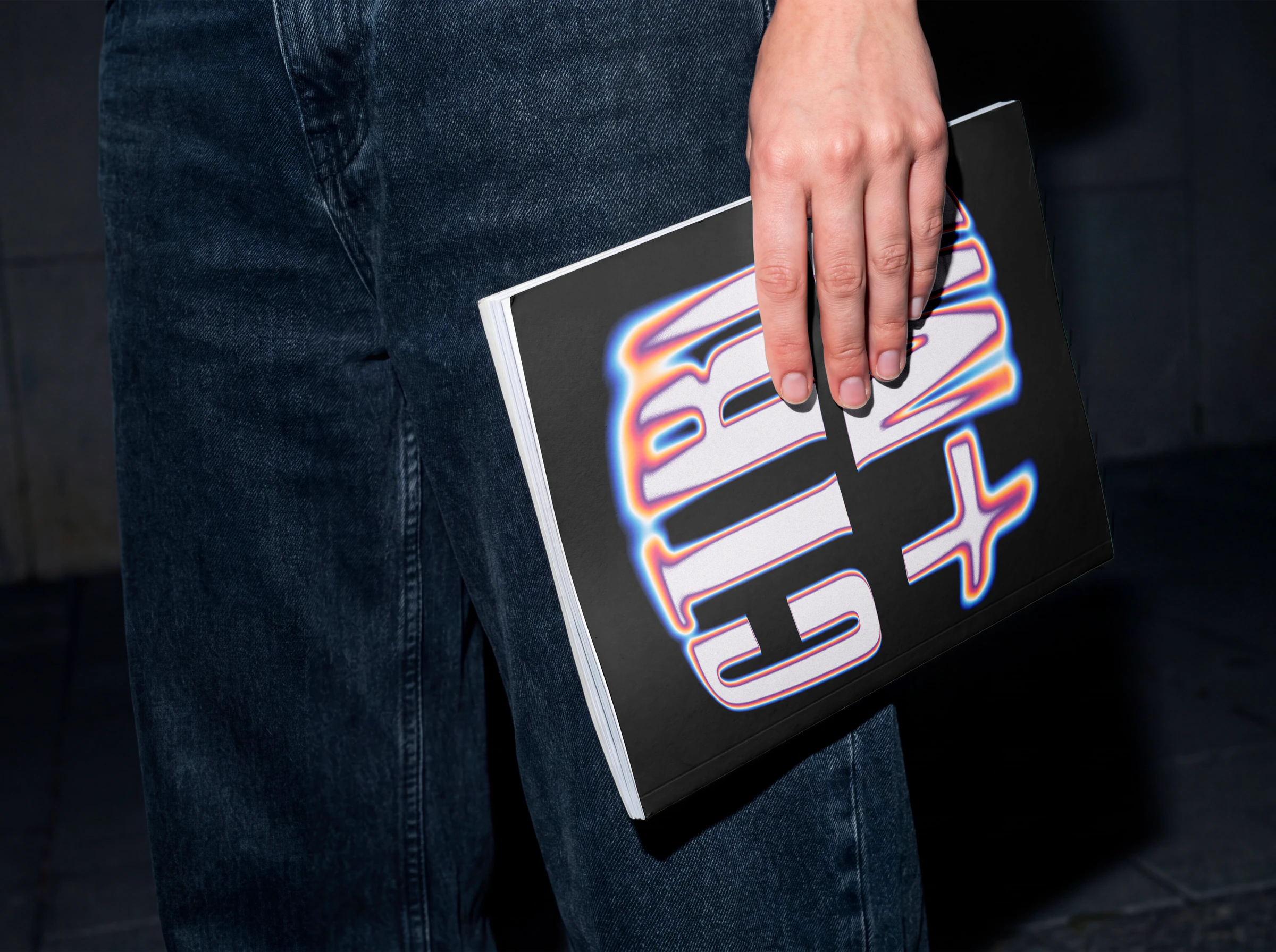
The cover (front and back) came last, because in my opinion it frames the magazine by setting the tone at the start and leaving a message at the end; I wanted it to be clear, eye-catching and incisive, with no decoration or distractions, only the title. I had a lot of fun and freedom in creating this zine, because I was dedicating time to learn and explore styles.
The final result? A 26-page personal magazine that functions both as an editorial design project and as a self-portrait, visually communicating personality, passions, and design identity through layout, typography, and custom graphics.

What I learned
- Editorial design is about structure and freedom together. Using a grid doesn't limit creativity; it gives it a foundation.
- Workflow matters: preparing graphics in Illustrator and Photoshop and composing in InDesign made each tool count.
- Designing about yourself is harder than it sounds, because translating a personal identity into visual choices requires reflection on what each design decision communicates.
- Typography is a very powerful tool to tell a story and to express feelings and tones.
- Technical skills grew significantly: paragraph styles, master pages, consistent spacing, alignment, and correct exporting in InDesign all went from unfamiliar to natural.
- Design directions can change across weeks (color, layout, style) and that constant refinement, that iteration, is what leads you to a result worth being proud of.
- Editorial design sits at the intersection of graphics, storytelling, photography, and visual communication, all closely related to UX design, reinforcing the direction of a future career in design.